
RIPLI STUDIO · MCP
Your next idea.
Start with a conversation.
Bring your Ripli workspace into your AI assistant. Work with your project images, explore a reference and create with your saved presets.
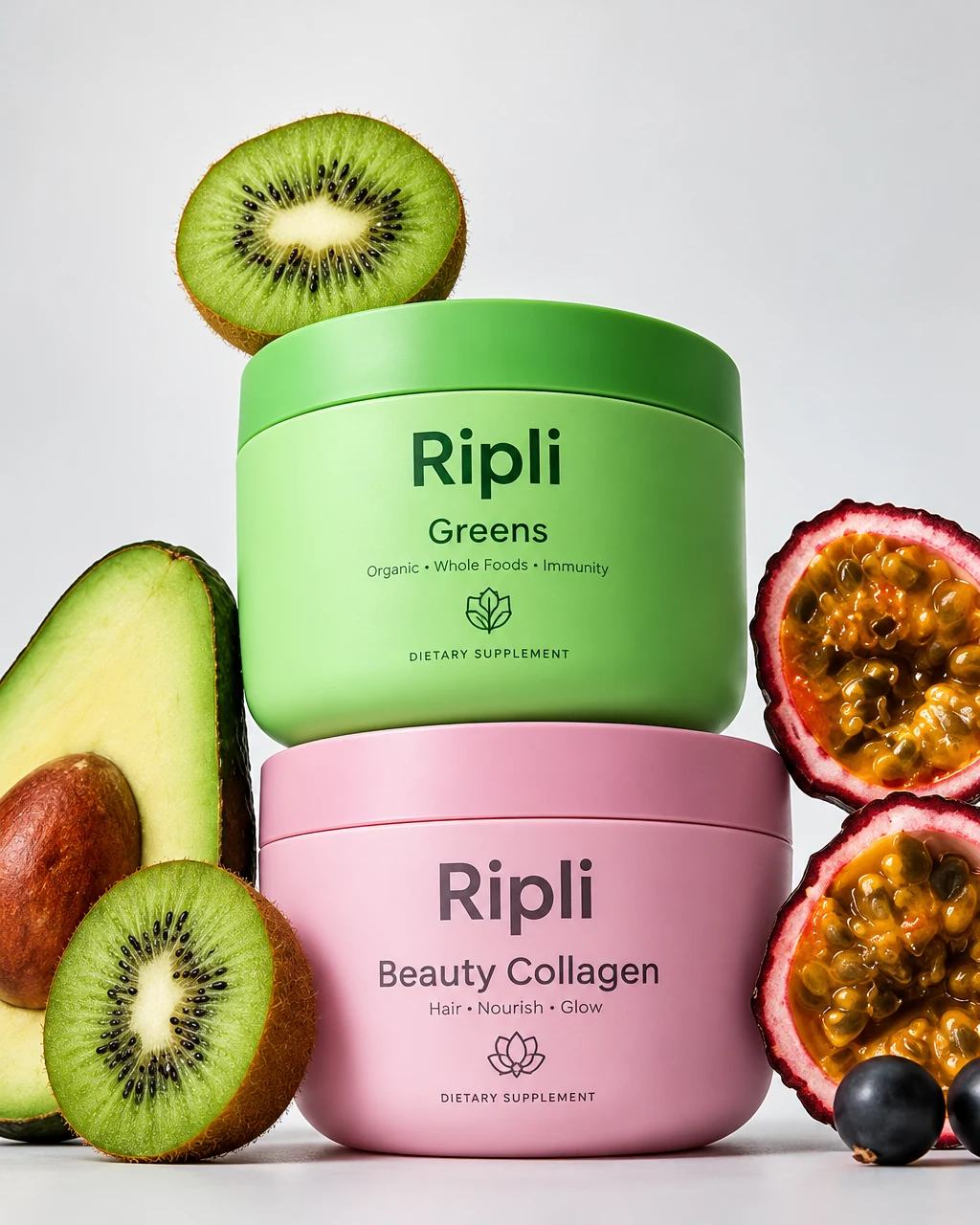
“Show me the presets saved in this project.”
WORK WITH YOUR ASSISTANT
IN YOUR CREATIVE WORKFLOW
Pick up where you left off.
Find project images, saved presets and previous generated assets in your connected Ripli workspace.
Understand a reference.
Analyse an image or video reference and work with its creative direction. Save a reusable preset from a project image.
Create images and motion.
Request image or video generation using a prompt and reference images, then check the job and retrieve its results.
What is MCP?
Model Context Protocol connects an AI assistant to tools and information in another app. The Ripli Studio connector provides access to creative tools in your connected workspace.