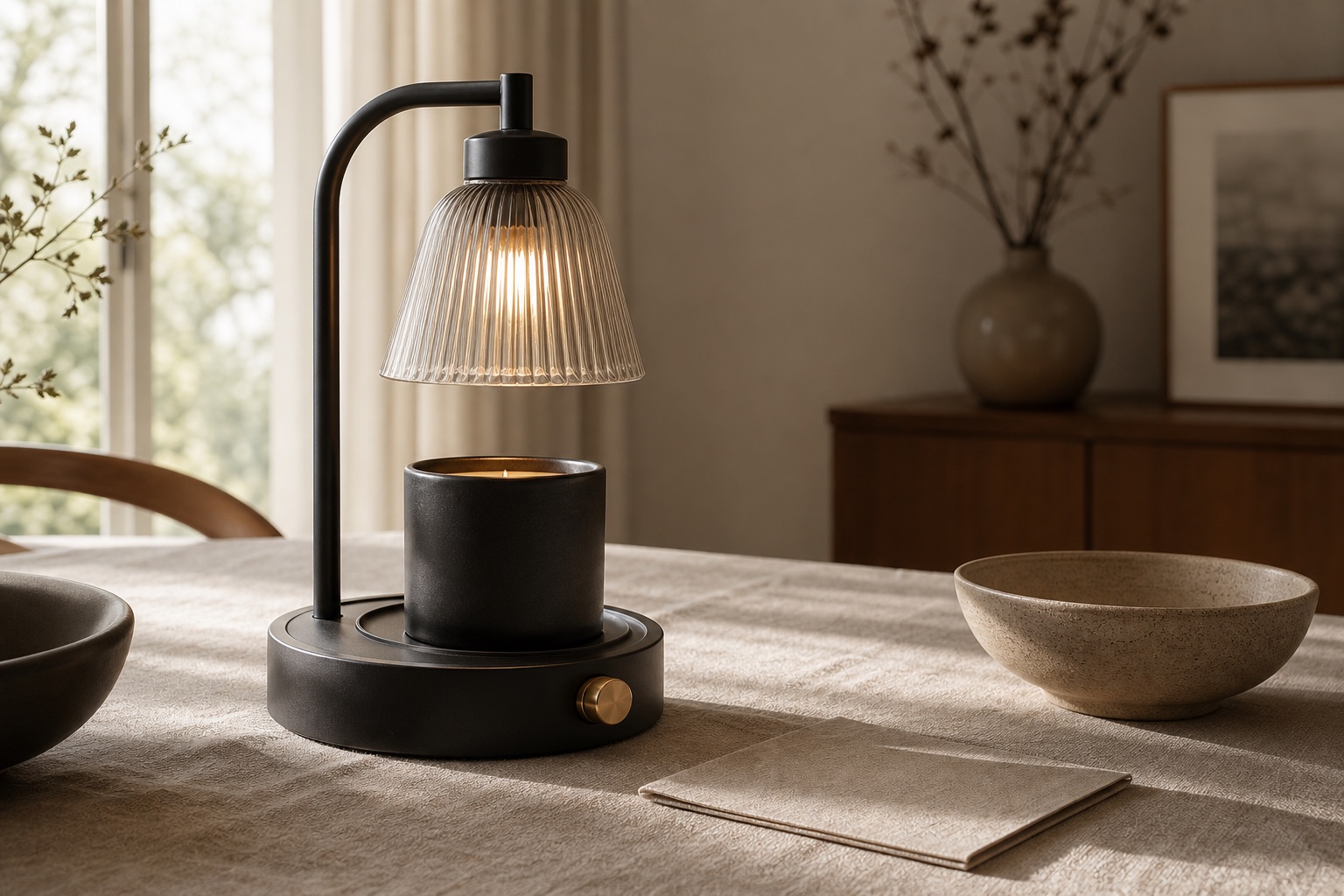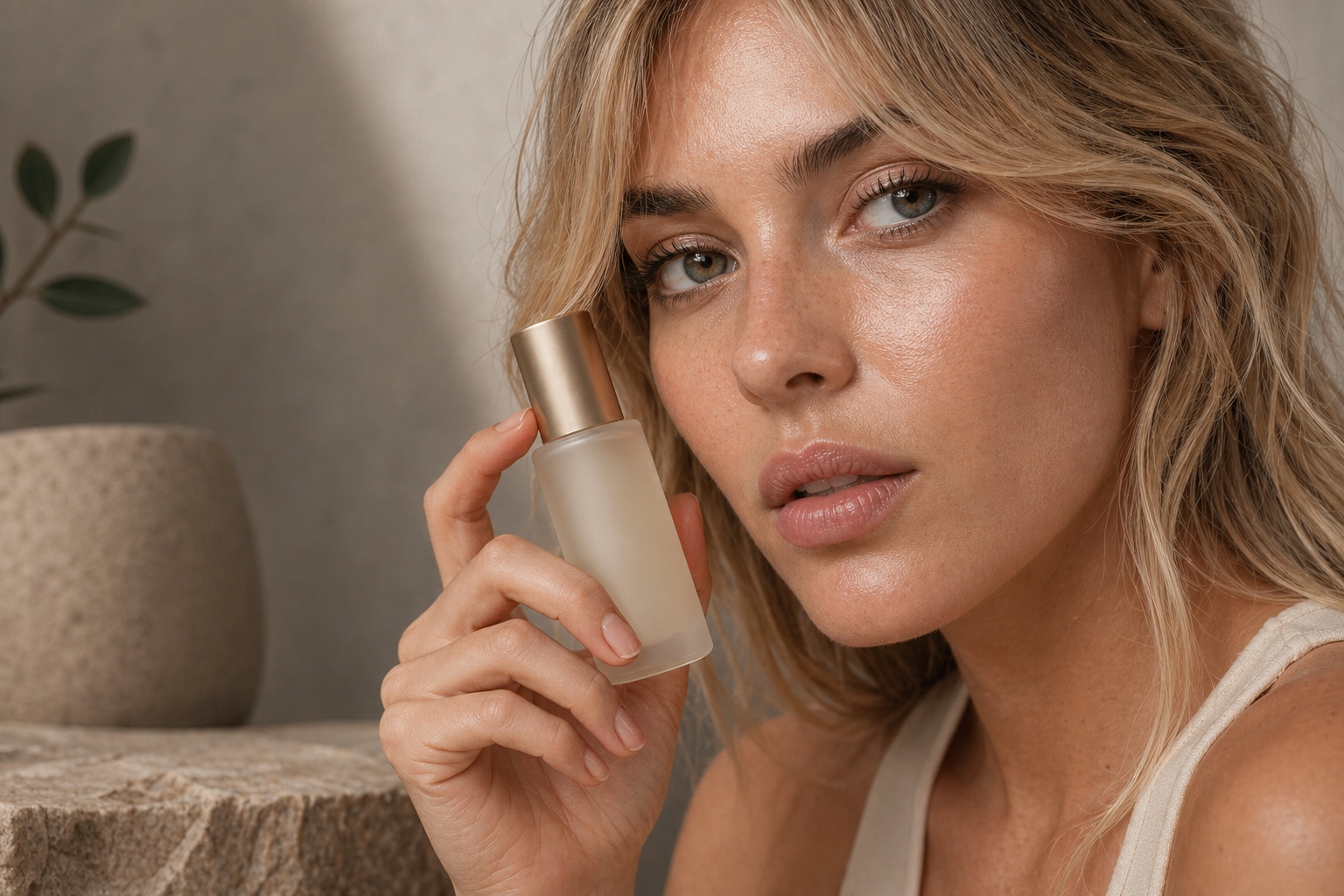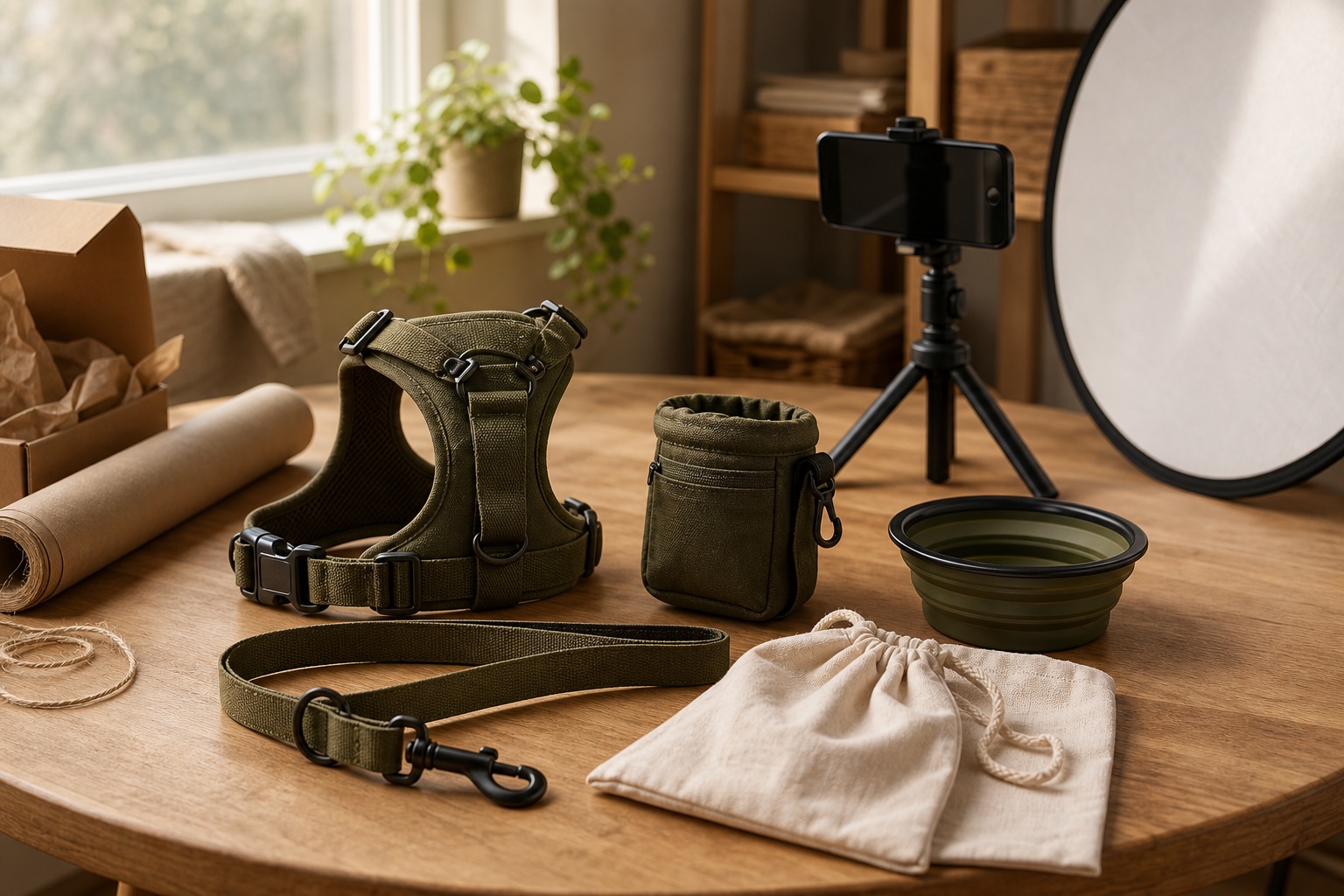
To use AI content creation well as a small brand, start with product truth: choose 5-10 priority products, photograph them clearly, build a small asset set for each one, and review every output before it reaches your store or ads. The useful workflow is not "generate random pretty images." It is a repeatable system for PDP images, lifestyle context, campaign variants, and channel-specific crops.
If you're running a small e-commerce brand, the content problem is usually practical rather than abstract. You need product images for the website, ads, emails, marketplaces, social posts, launches, seasonal campaigns, and tests. AI-assisted content tools can help, but only when the workflow protects product accuracy and brand taste.
What AI content tools can (and can't) do
What works well today
- Background generation and replacement — Place your product in any environment without a physical set.
- Consistent lighting and colour — Improve lighting consistency across a catalogue without reshooting every channel crop.
- Format variations — Generate square, portrait, and landscape crops from a single source image.
- Lifestyle context — Show products in useful in-context scenes for product pages, ads, and emails.
What still needs humans
- Fine text and logos — AI struggles with readable text on products and packaging.
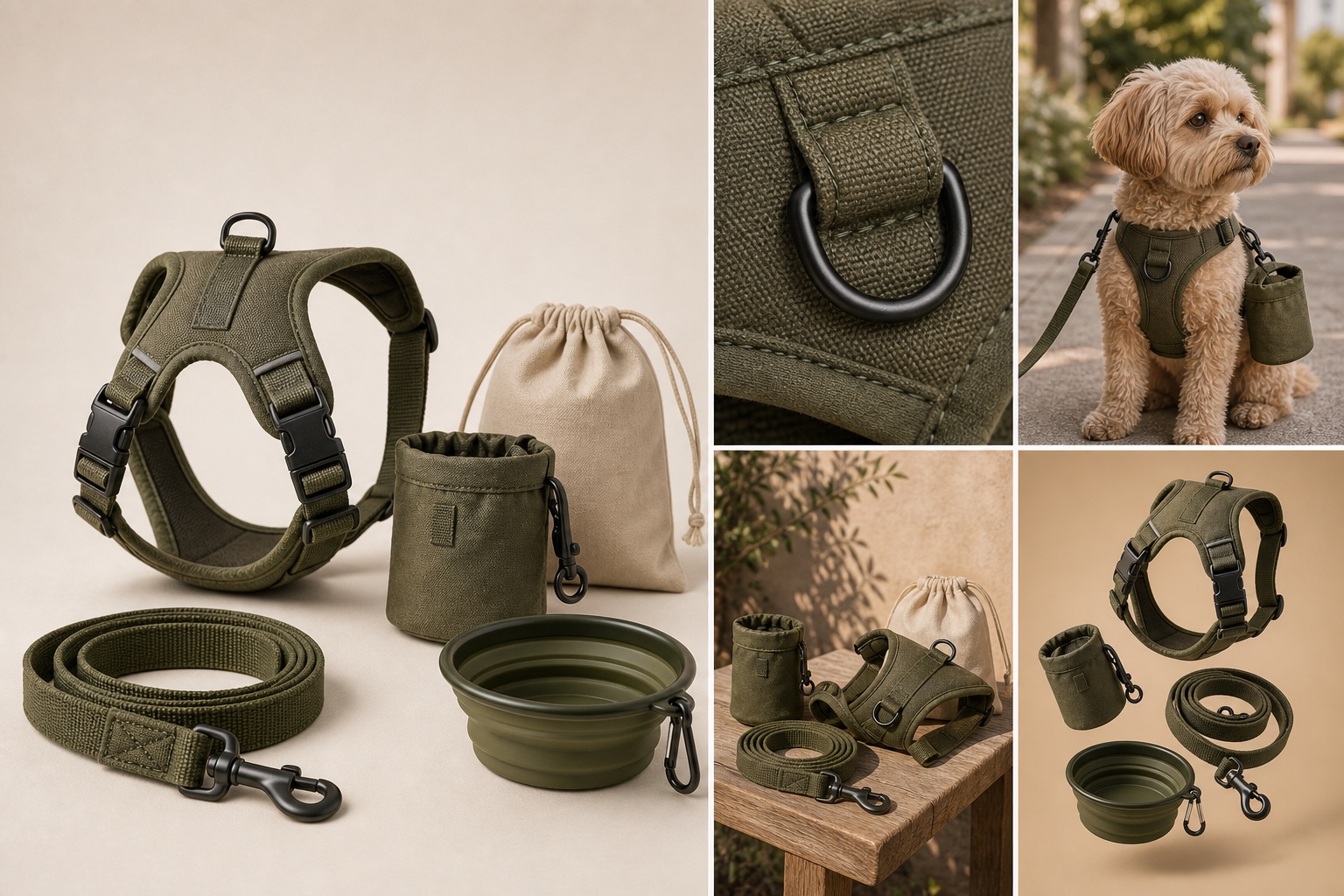
- Product fidelity — Straps, clasps, handles, hardware, seams, materials, colours, and proportions still need a human review pass.
- Complex product interactions — Multiple products interacting, hands holding products, and use-case scenes still need careful oversight.
- Brand judgement — Does this image feel right for your brand? Humans are still better at this.
Getting started: the practical steps
Step 1: Start with your best-selling products
Don't try to redo your entire catalogue at once. Pick your top 5-10 products and create a content pack for each: studio-clean PDP image, detail image, lifestyle image, campaign image, and 2-3 variations for social media or email.
Step 2: Photograph your products properly first
AI works best when given good reference images. You don't need a professional studio, but you do need a well-lit, sharp product photo with accurate colour and enough detail to preserve the real object. Avoid harsh shadows, colour casts, blur, and awkward crops.
Step 3: Choose the right tool for your needs
The market is crowded with AI image tools, but most are generic. For product photography specifically, look for tools that understand e-commerce contexts: proper lighting, accurate colour reproduction, practical crops, and the ability to maintain product fidelity across variations.
Step 4: Test and measure
A/B test new AI-assisted content against your existing images where traffic volume allows it. Track click-through rate, conversion rate, add-to-cart rate, product-page engagement, and qualitative feedback. The data will show where stronger content helps and where the prompt, source image, or concept still needs refinement.
Why Ripli was built for this
Ripli was designed specifically for small and medium e-commerce brands that need more than one pretty image. Upload your product images, describe what you need, and build a controlled set of product assets across PDP, lifestyle, campaign, and channel formats, without booking a full shoot for every variation.
When you're ready to turn those ideas into specific assets, try Hook Studio for sharper creative angles. Then read how better product imagery changes the maths and what makes AI product photos feel fake in the first place.
Start with your hero products, build a repeatable asset set, review for accuracy, measure the impact, and scale from there. That's the practical path to better product content for a small brand.