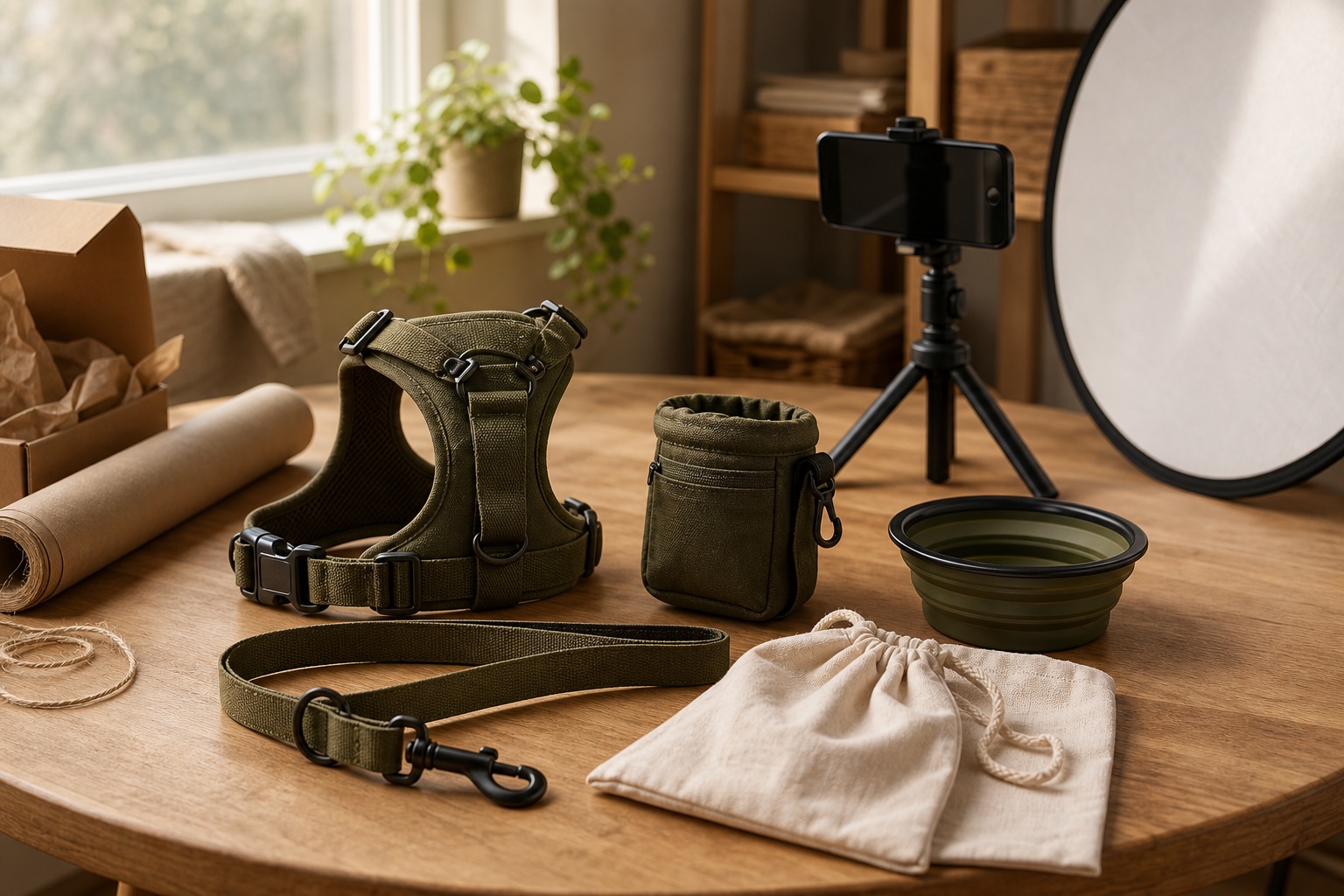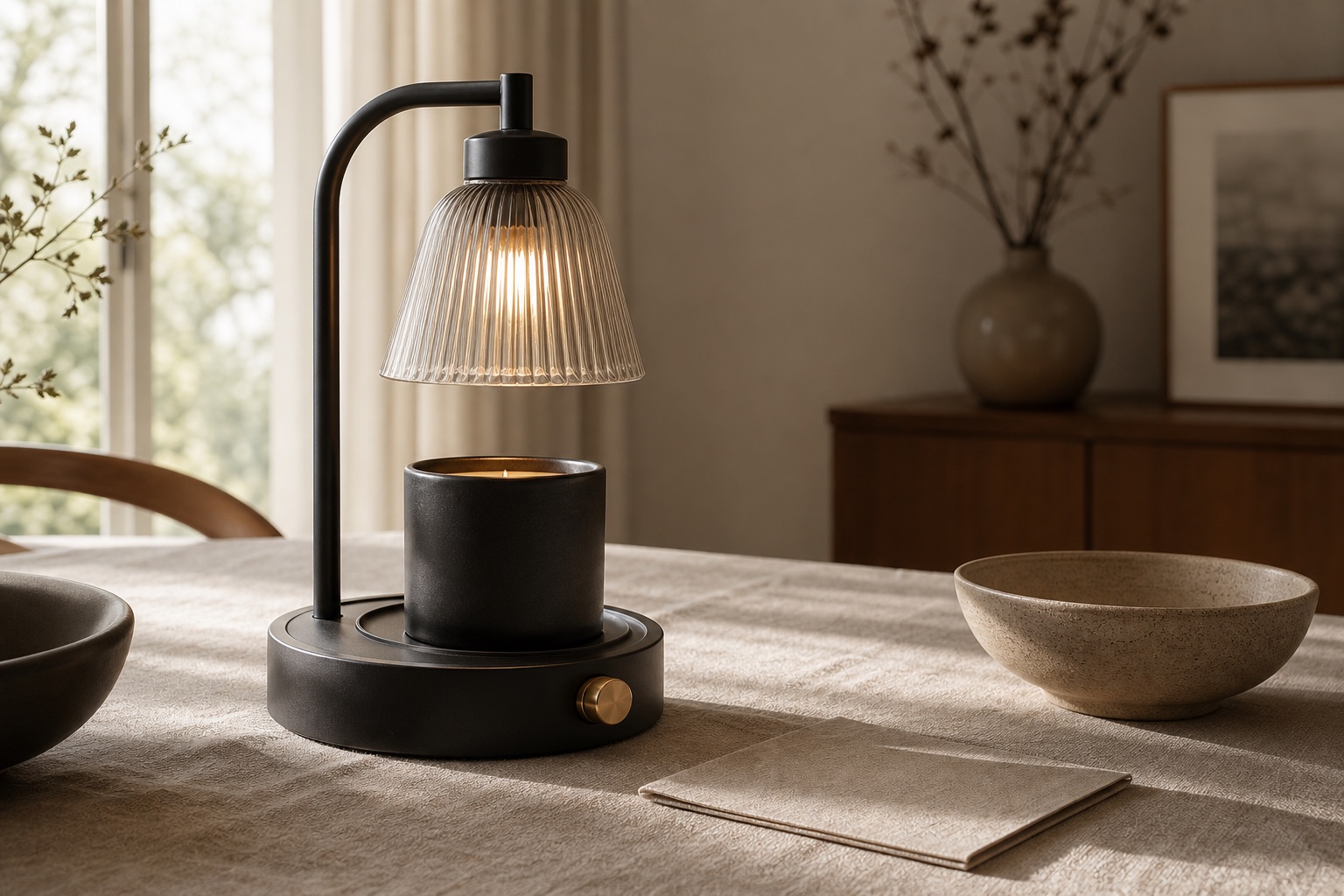
AI product photos look fake when product truth breaks. The usual tells are inconsistent lighting, incorrect material rendering, background bleed at edges, spatial perspective errors, and detail collapse. Customers may not name those problems, but they still feel them: the product looks slightly untrustworthy, too smooth, or detached from the scene.
If you've tried using AI tools to generate product imagery, you've probably noticed the same pattern: the result almost works. Lighting feels flat. Reflections do not match the surface. Shadows fall in a direction the scene cannot support. A model's skin looks too plastic, or a product label loses its edge definition.
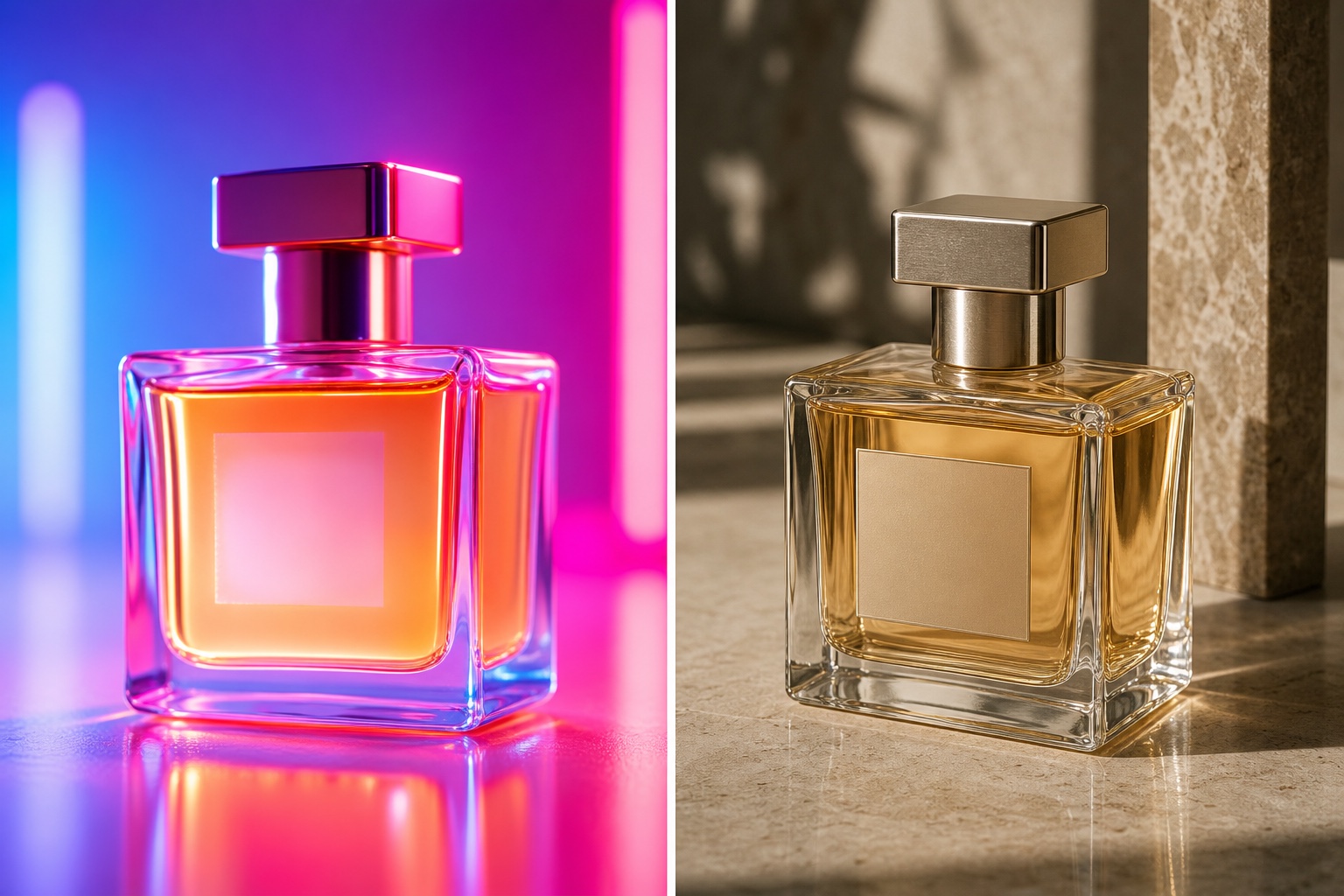
The fix is not simply a longer prompt. Ecommerce product photography needs a workflow that protects the product, checks the image like a creative director would, and rejects outputs that are pretty at a glance but commercially wrong. A tacky AI perfume image can look glossy in a thumbnail; the problem appears when the glass, liquid, label, reflections, and shadow physics stop making sense.
The five tells of AI product photos
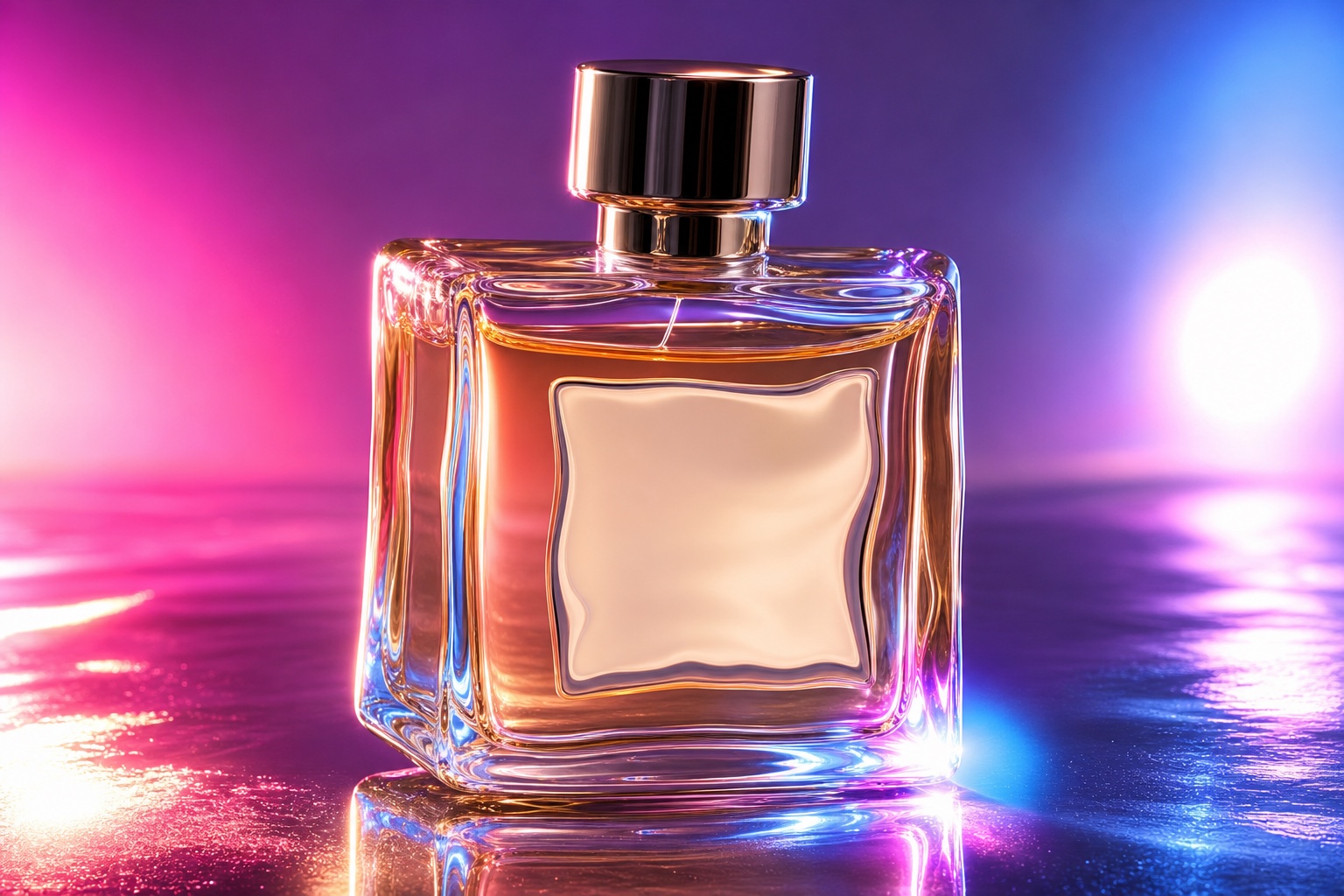
1. Lighting inconsistency
AI models often generate light sources that contradict each other within the same frame. A highlight on the left side of a bottle while the shadow falls left too. In a real studio shoot, a single key light creates predictable, physically accurate light-and-shadow relationships.
2. Material misunderstanding
Glass, matte plastic, brushed metal, silk, and leather all behave differently under light. Weak AI product photos often flatten those differences, so a glass jar starts to feel oddly similar to a ceramic one. The specular highlights, refraction, surface grain, and shadow density that make materials feel real are often missing or inconsistent.
3. Background bleed
AI-generated backgrounds frequently bleed into product edges, especially around transparent packaging, mesh fabric, fine straps, jewelry prongs, hair, glass, or reflective metal. The result is a halo effect that makes the product look pasted into the scene.
4. Spatial context errors
Products sit at impossible angles on surfaces, or the perspective of the product doesn't match the environment. A flat-lay that should be shot from directly above has perspective lines suggesting a 45-degree angle.
5. Detail collapse at edges
Zoom in on the edges of any AI product photo. You'll find unnatural softness, repeating micro-patterns, or outright artefacts where the model couldn't resolve fine detail. Labels become blurry, thread patterns homogenise, and embossed logos lose their depth.
The newer tell: fake human detail
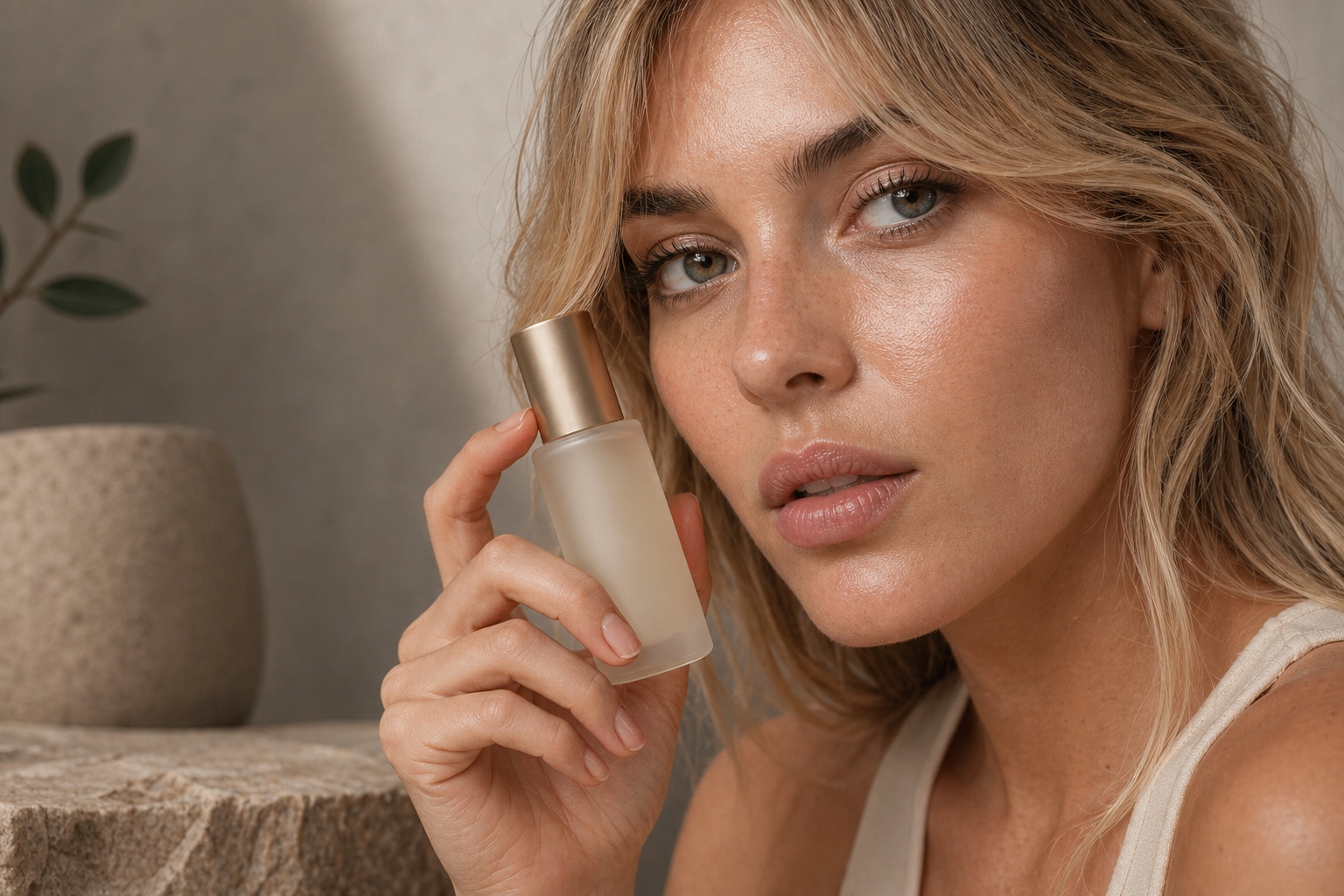
For beauty, fashion, jewelry, and lifestyle products, the product is often shown with a person. That raises the quality bar. Real commercial imagery has pores, skin texture, uneven highlights, individual brow hairs, natural lip texture, plausible fingers, and eyes that feel alive. When those details turn waxy or symmetrical, the whole product image loses trust.
This matters because the model and the product are part of the same commercial promise. If the hand looks wrong, the product looks less believable too.
How Ripli approaches this differently
At Ripli, the goal is not to prompt a model and hope for the best. The workflow is built around reference-guided generation: real product photos, style direction, and review standards guide the output so product shape, material, lighting, and context stay commercially plausible.
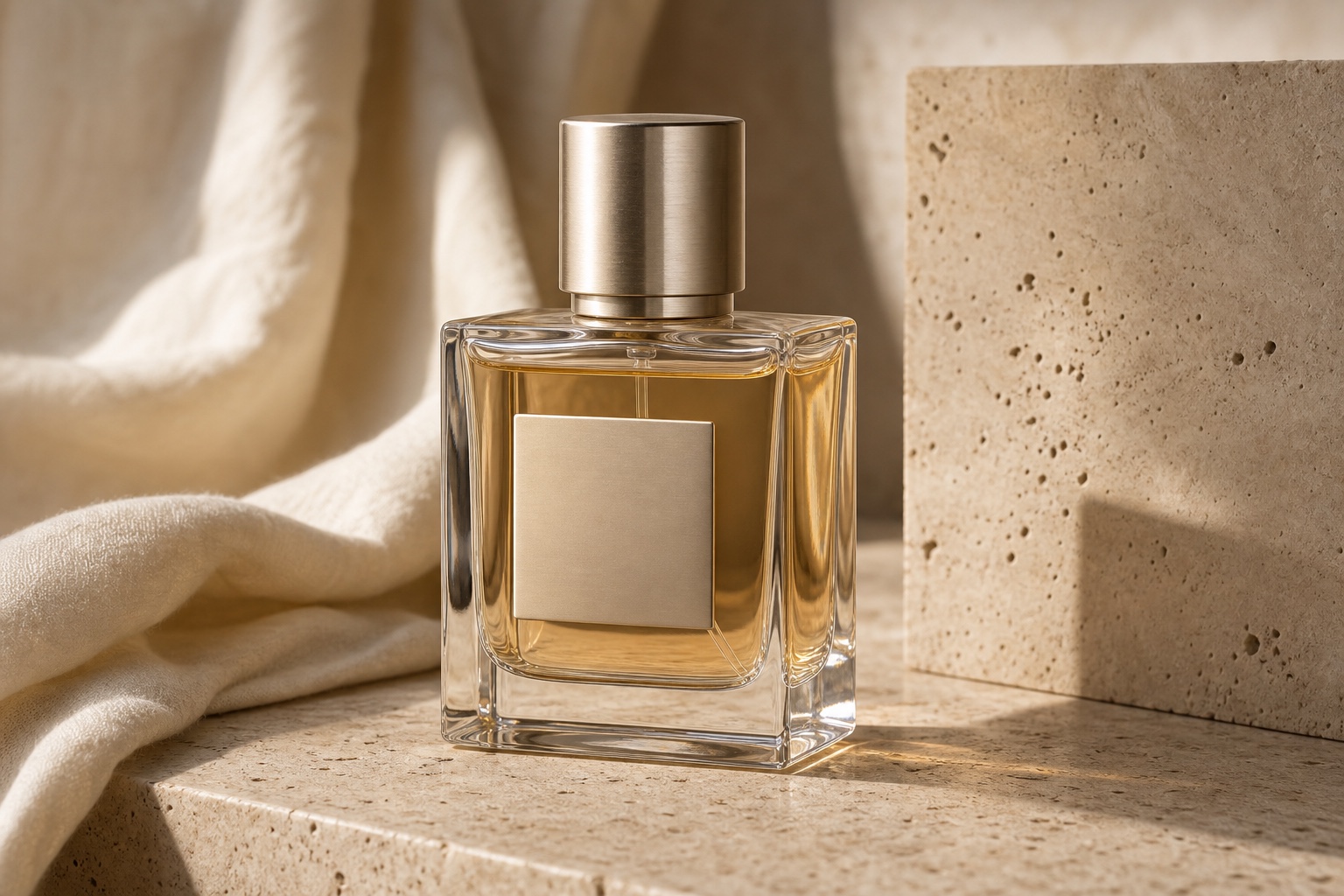
When AI gets something wrong, the review layer matters as much as the generation layer. A useful ecommerce workflow checks whether the same product survives across different crops, scenes, and content types. It should catch warped caps, changed hardware, inconsistent liquid colour, fake label texture, glass halos, and model-product interaction issues before the assets reach a product page or ad account.
If you want to see how that shows up in real creative output, try Hook Studio for stronger ad angles, then read our practical guide for small brands and the ROI breakdown for better product photography.
The practical outcome is not "AI instead of standards." It is a production workflow that can create more product content without letting uncanny details, product drift, or pretty-but-wrong images erode customer trust.
The bottom line
AI product photography is not ready to replace creative standards on its own. It becomes useful when reference-guided generation, product consistency checks, realistic human detail, and quality review are built into the workflow. That is the gap Ripli is designed to fill.